
Payment for Litecoin($LTC) Purchase
Mid-Sun Holding Company
Awaiting Payment Confirmation
Important: Send a test payment of ₹100 first. After we confirm receipt, send the remaining amount.
There is no fixed amount. Enter the amount you agreed in your payment app.
Litecoin($LTC) live priceLoading market price…
UPI payment QR (INR)
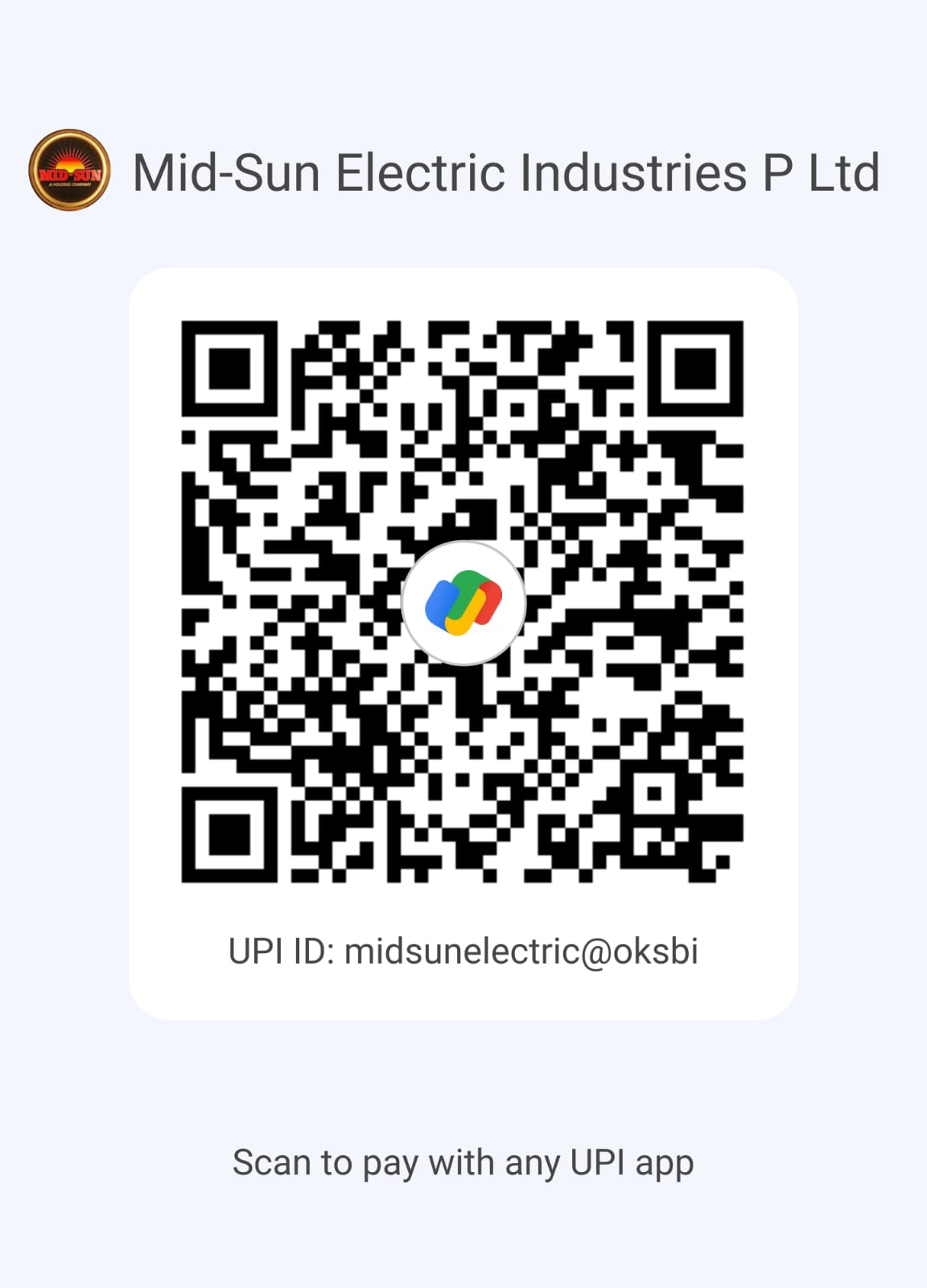
Pay with any UPI app
UPI QR · no amount set. Enter the amount in your app.
UPI ID
Payee name
“Open UPI App” works on phones with a UPI app installed (Google Pay, PhonePe, Paytm, BHIM and others). On a desktop, scan the QR with your phone.
How to pay by UPI
- Scan the QR or tap Open UPI App.
- Check that the payee is Mid-Sun Electric Industries P Ltd.
- Enter your amount. The first payment is a test payment of ₹100.
- Approve the payment only inside your own UPI app.
- Keep the 12-digit UTR number from your app as proof of payment.
Bank transfer · NEFT / IMPS / RTGS
Bank account details
Check the account holder name before you confirm the transfer.
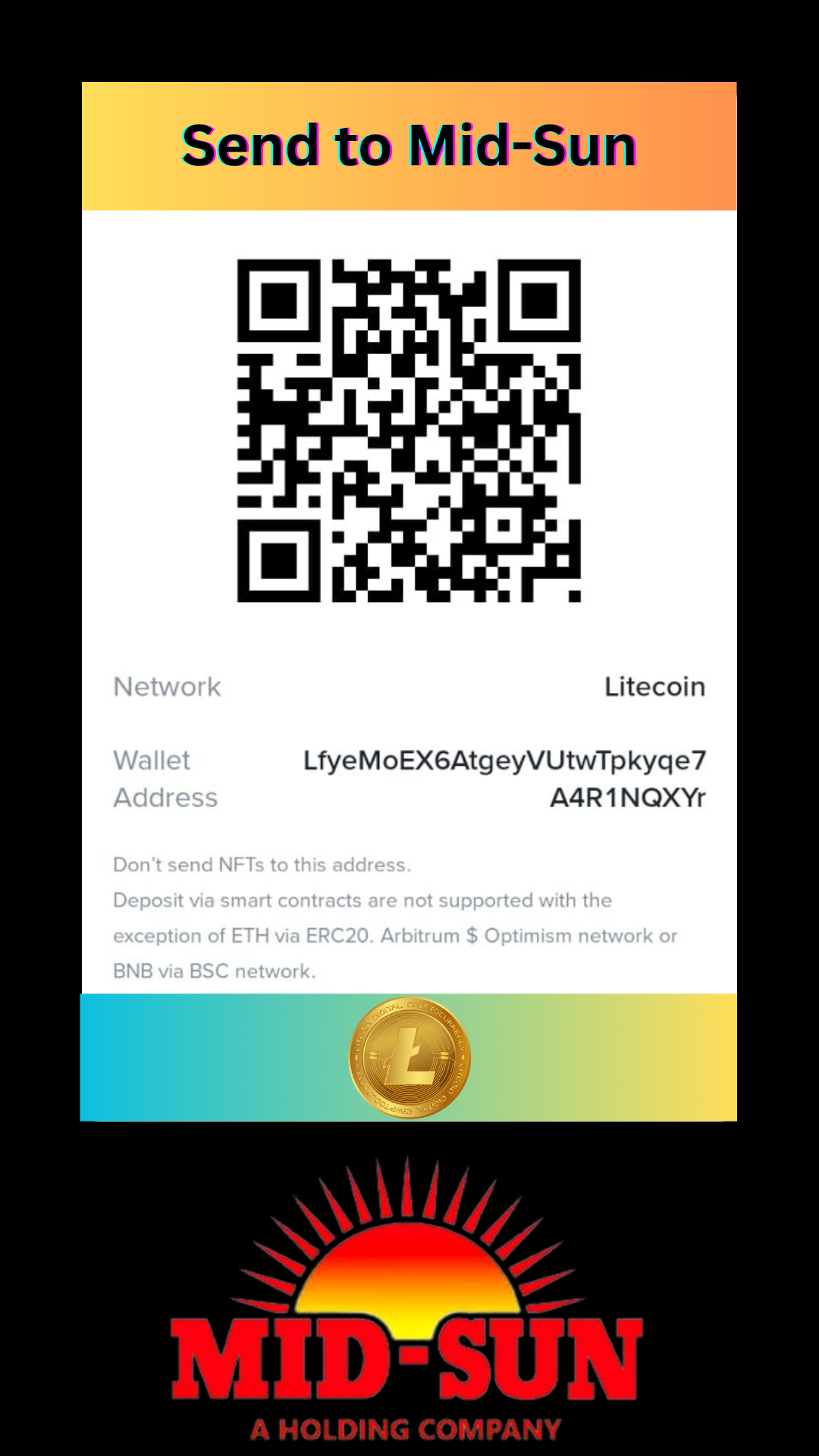
Litecoin($LTC) network only
Litecoin wallet
Litecoin($LTC) address QR · no amount set
Network
Litecoin($LTC)
Wallet address
Send only Litecoin($LTC) on the Litecoin network. Do not send NFTs, tokens or coins from any other network. They may be lost permanently. Before you send, check that the first and last 6 characters of the address match.
Terms & Conditions
- First payment: Send a test payment of ₹100 or less than ₹100. Send the remaining amount only after we confirm the first payment.